
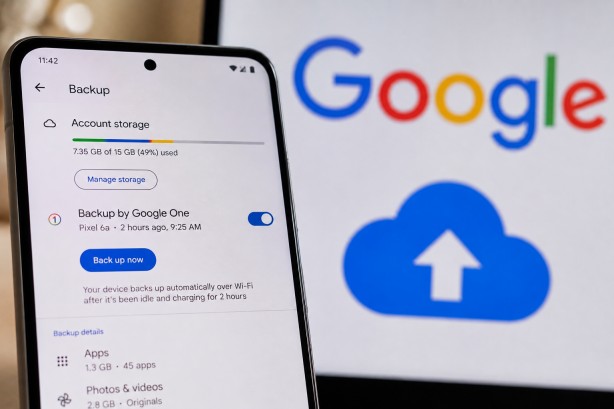
Google is set to revise its policy on Android device backups by including them in the free cloud storage quota associated with each Google Account. Presently, backups for Android devices—comprising SMS messages, call history, device settings, and app data—are not factored into the 15GB of complimentary storage shared across Google Drive, Gmail, and Google Photos. However, under the forthcoming update, these backups will now count towards the total storage limit.
The policy change is anticipated to be implemented in the coming weeks. According to Google, the average Android backup will increase storage usage by approximately 40MB. Consequently, users who approach or exceed their storage limit might need to either make space or consider upgrading to a Google One subscription. If an account’s available storage is completely used up, automatic device backups will be paused until more space is freed.
In tandem with this storage policy adjustment, Google is reportedly working on developing more sophisticated backup controls. These new controls are intended to provide users with the ability to select which apps and types of data they want to back up. This feature aims to help users manage the size of their backups more effectively and exercise greater control over their cloud storage usage.
The move to include Android backups in the overall cloud storage limit marks a significant shift in Google’s storage management strategy. By introducing more detailed backup options, Google hopes to offer users both flexibility and control, potentially reducing the likelihood of users quickly reaching their storage cap.
This change highlights Google’s ongoing efforts to refine its services and provide users with enhanced tools for managing their digital data. As the new policy takes effect, Android users will need to stay informed about their storage usage and explore the new backup management options available to them.